
Fig Player
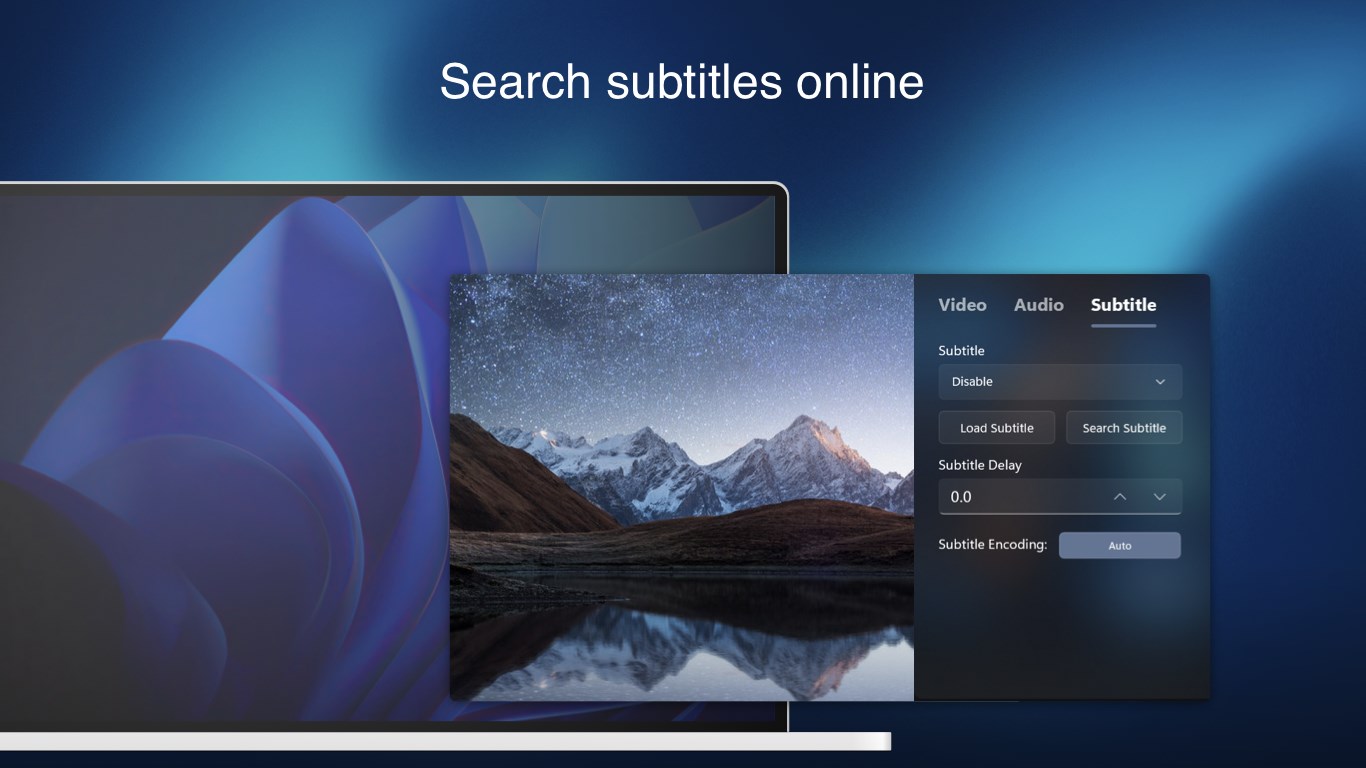
Discover Fig Player, a lightweight media player for UWP on Windows. Read our review of its 4K playback, subtitle support, and advanced audio features.
The Modern Windows Media Playback Dilemma
Finding a reliable media player for UWP that handles modern, high-resolution formats without stuttering or requiring complex codec packs can be surprisingly difficult. Many built-in solutions struggle with advanced subtitle rendering or high-fidelity audio routing. The Fig Player media player for UWP addresses these exact pain points, offering Windows users a streamlined, high-performance alternative for managing and enjoying their personal media libraries.
Seamless Performance and Advanced Playback Features
Developed by Nanjing Oumi Software Development Co., Ltd., this application is built specifically for the Universal Windows Platform (UWP). It delivers an exceptionally clean, modern interface that integrates perfectly with the Windows aesthetic while offering robust hardware acceleration under the hood.
Key Technical Capabilities:
- Ultra-HD 4K Playback: Enjoy smooth, stutter-free playback of high-bitrate 4K video files.
- Hardware Acceleration & Deinterlacing: Leverage your system's GPU for efficient decoding, reducing CPU load and battery consumption on portable devices.
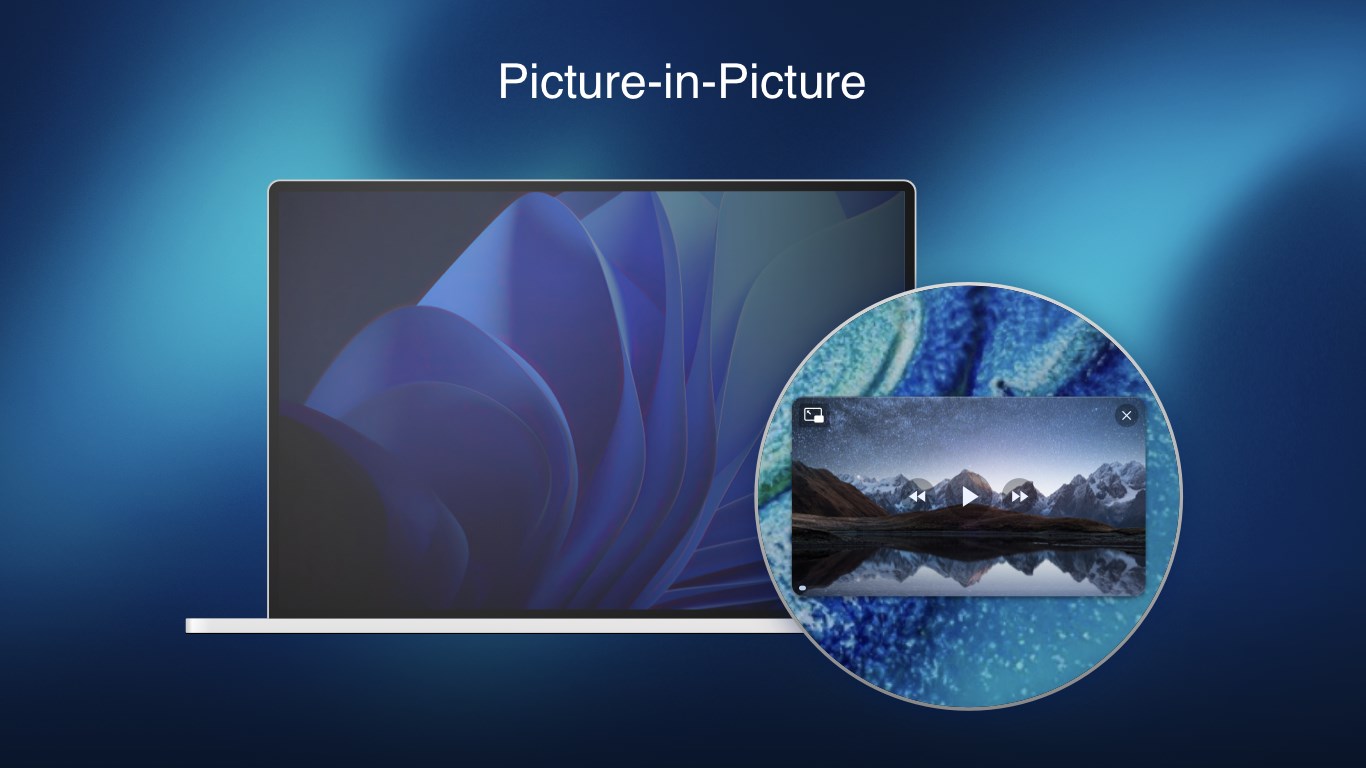
- Picture-in-Picture (PiP) Mode: Keep your video playing in a compact, floating window while multitasking across other Windows applications.
- Frame-by-Frame Control: Inspect video files with precision using frame-by-frame navigation tools.
Comprehensive Format and Subtitle Support
One of the strongest arguments for choosing the Fig Player media player for UWP is its extensive out-of-the-box compatibility. You do not need to install external filters or third-party plug-ins to get your files to run.
Supported Media Formats:
- Video: MKV, RMVB, AVI, MOV, WMV, FLV, MP4, M4V, TS, MTS, WEBM, and more.
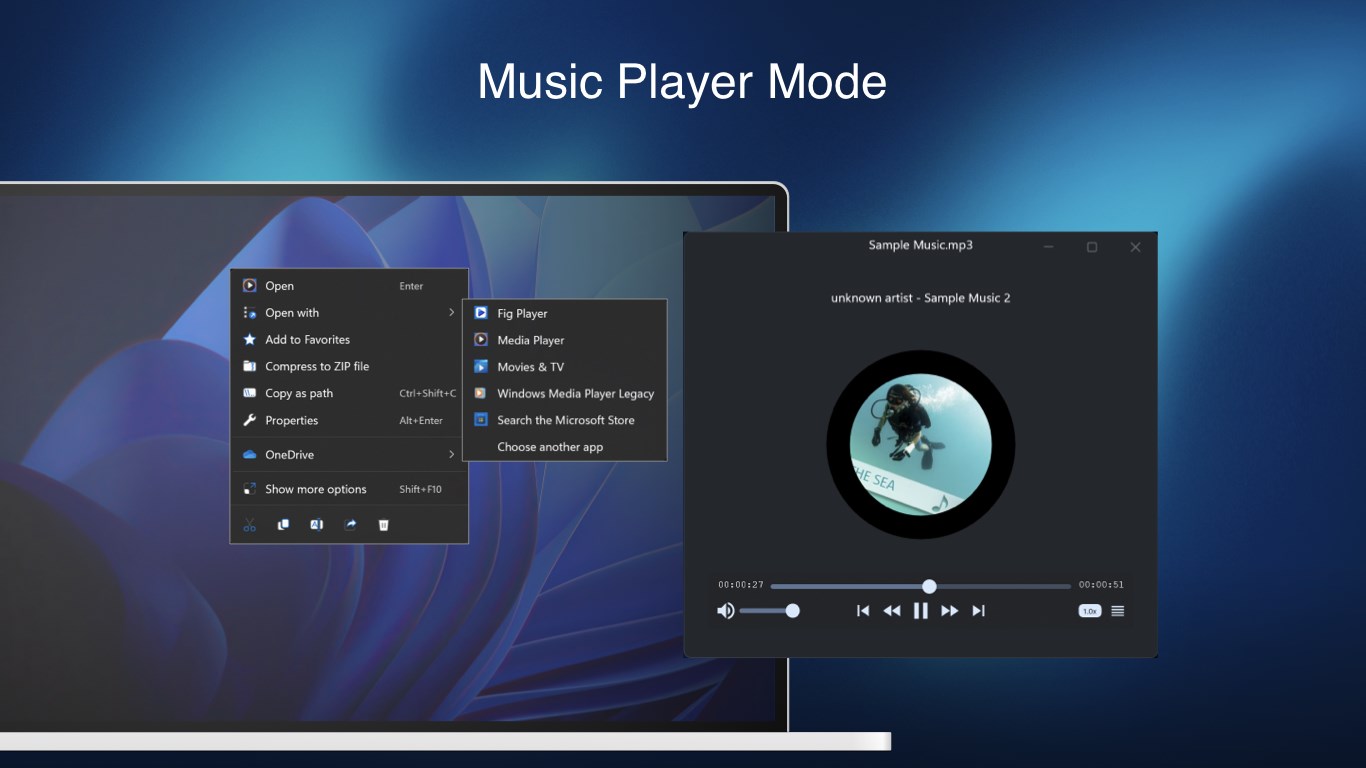
- Audio: FLAC, APE, MP3, M4A, WMA, WAV, AC3, AAC, OPUS, OGG, and MIDI.
- Subtitles: Advanced SSA/ASS styling, SRT, and IDX&SUB image-based subtitles.
Smart Usability Touches
Beyond simple playback, the application includes thoughtful library management and hardware integration. Users with complex setups can manually route audio to different output devices directly from the player interface. Additionally, the playlist system automatically groups content by its upper-level folder name, making it incredibly simple to navigate multi-episode television seasons or organized music directories.
Is Fig Player Right for You?
If you are looking for a clean, ad-free, and highly capable desktop companion that handles modern media containers without breaking a sweat, this utility is an excellent candidate. It bridges the gap between lightweight design and heavy-duty format compatibility.
To experience this streamlined playback environment yourself, head over to the official Microsoft Store to download the application on your Windows device.