
Photo Editor: Cut Out Shapes
Discover how Photo Editor: Cut Out Shapes for Mac simplifies background removal, object replacement, and image enhancement in our comprehensive review.
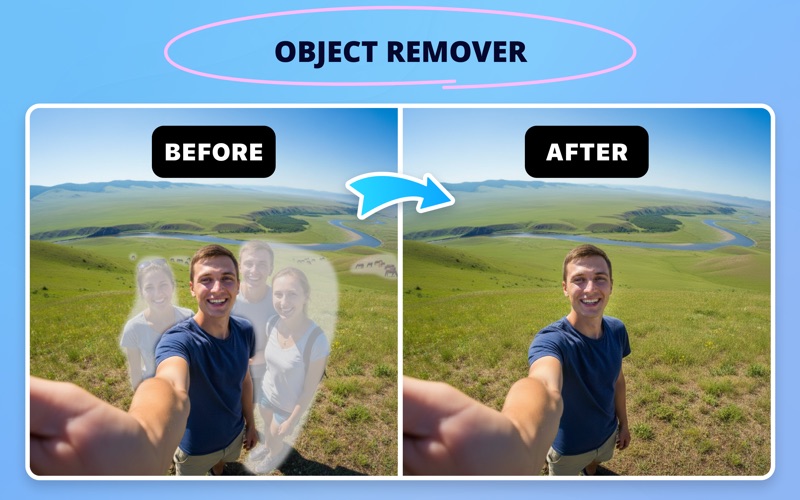
Imagine you have captured the perfect portrait of a colleague or a product shot for your portfolio, only to notice a distracting exit sign, a stray power cord, or an unflattering background cluttering the frame. Instead of launching complex, expensive desktop design suites that require a steep learning curve, a dedicated utility like Photo Editor: Cut Out Shapes photo editing software can rescue your image in seconds.
What is Photo Editor: Cut Out Shapes?
Developed by Any Case Solutions, OOO, Photo Editor: Cut Out Shapes photo editing is a streamlined design and utility application built specifically for Mac users. It targets the common, everyday hurdles of image preparation: isolating subjects, swapping out messy backdrops, and applying clean visual polish without manual hassle. Whether you are prepping graphics for a presentation or polishing personal photography, this tool offers a highly focused feature set to get the job done quickly.
Key Features and Creative Capabilities
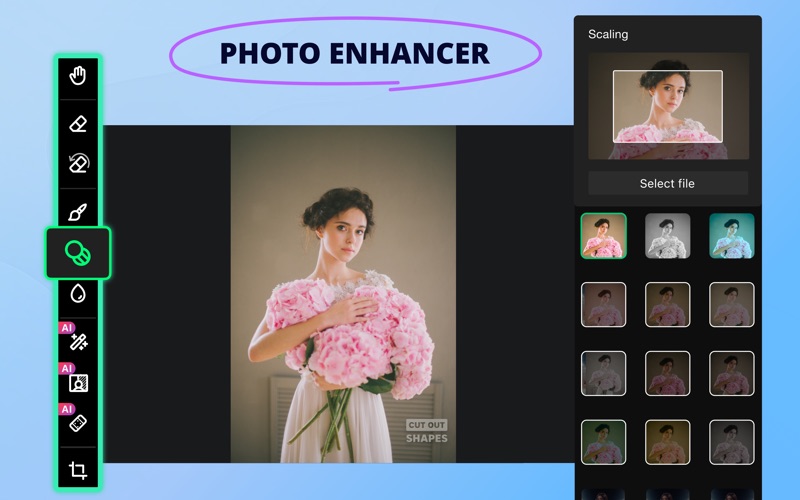
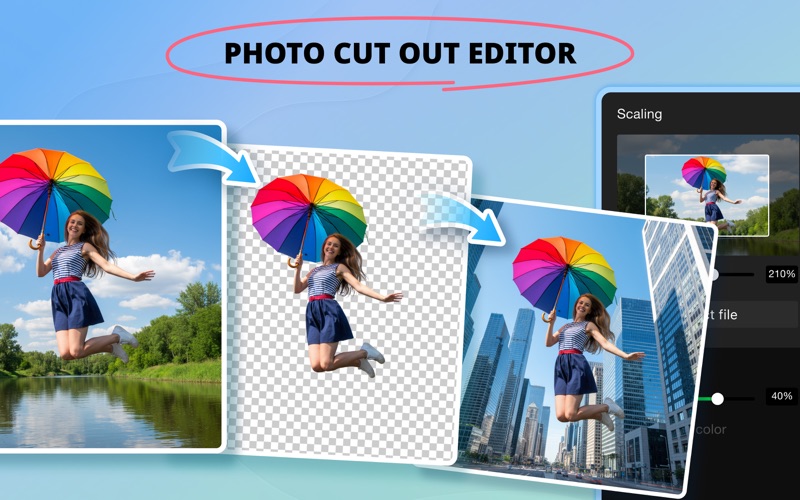
- AI-Powered Background Eraser: Isolate your primary subject automatically using built-in artificial intelligence, or refine the edges manually for pixel-perfect precision.
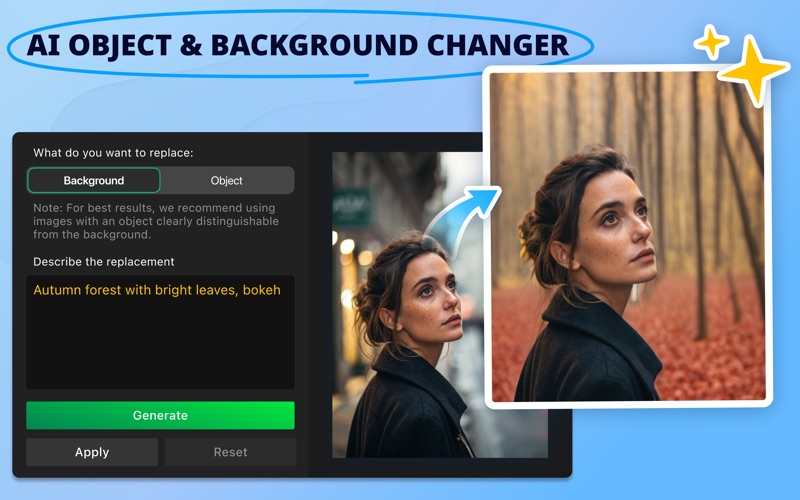
- Intelligent Object & Background Replacement: Swap out unwanted backdrops entirely. By defining what you want to see instead, the app helps you reimagine the environment surrounding your subject.
- Soft Background Blur: Keep the focus entirely on your subject by applying a customizable blur effect to create professional-looking portraits.
- Precision Brush Tools: Take manual control with adjustable brush settings, including customizable size, softness, and color options for exact touch-ups.
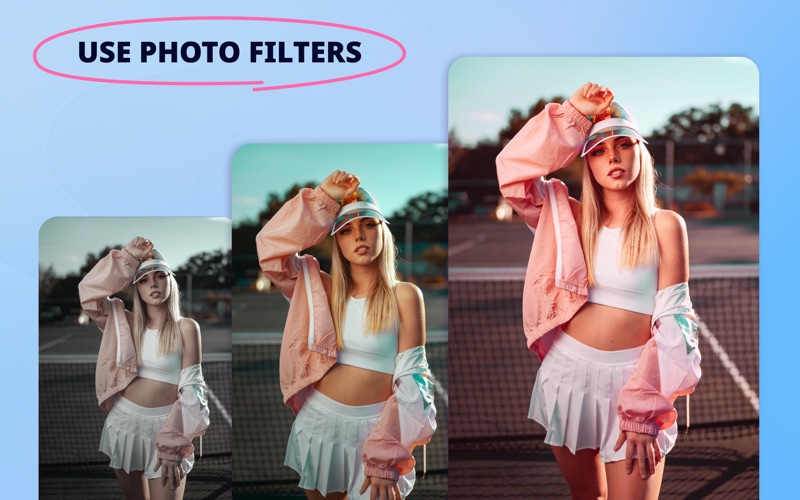
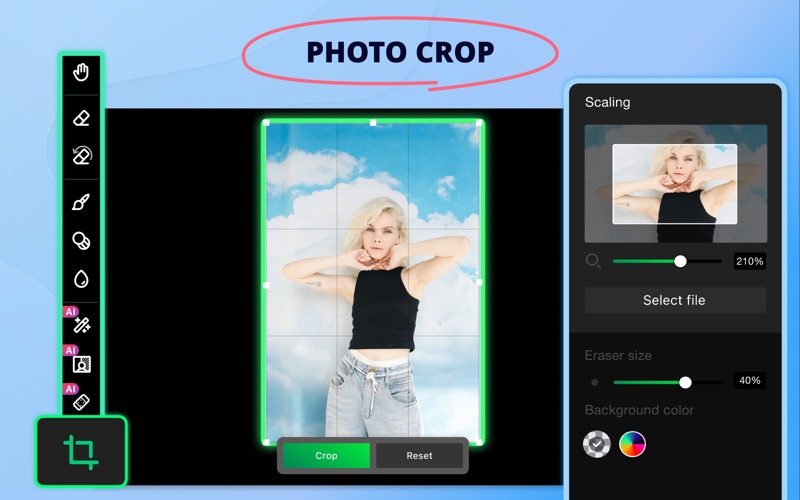
- Aesthetic Filters & Adjustments: Choose from over 15 built-in filters to shift the mood, enhance colors, or crop, rotate, and flip your composition for the perfect layout.
- Non-Destructive Editing: Easily revert any mistakes using the dedicated restore brush or complete reset functions, saving your progress across multiple projects to resume later.
Who is This Mac App For?
This software is tailored specifically for professionals, content creators, and casual users who need fast, dependable graphic modifications on macOS. If your daily workflow involves preparing clean product images, removing distracting elements from team photos, or creating quick marketing collaterals without the overhead of heavy editing suites, this application fits seamlessly into a productive desktop setup.
Subscription vs. Free Version
The application is free to download and try. The free tier provides basic editing functions, a single AI background removal trial, project saving limits, and watermarked outputs. Users looking for unlimited AI background tools, watermark-free exports, background blurring, and unlimited project saves can opt for the premium subscription model to unlock the full workflow.
Our Editorial Verdict
For Mac users seeking a straightforward, task-oriented design companion, Photo Editor: Cut Out Shapes photo editing delivers excellent utility where it matters most. It bypasses complex menus in favor of direct, functional tools that solve real composition problems immediately. To experience these editing tools firsthand, head over to the official Mac App Store to explore the application.